
Add a Prospect
What you'll learn
In this guide, you'll learn what a prospect is in Master Inbox, how to add them manually or automatically, and how to use the prospect details panel to manage outreach and follow-ups efficiently.
What is a Prospect?
A prospect is a potential lead or contact that your team may want to engage with or someone who could become a client, partner, or opportunity. In MasterInbox, prospects are tracked separately so you can manage outreach, follow-ups, and campaigns efficiently.
Adding Prospects - Manually or Automatic
Automatic If a sender has CC'd someone on a conversation, that person automatically appears in your Prospect list. No setup needed.
Manual If someone isn't CC'd but you want to track them, you can add them yourself.
How to Add a Prospect Manually
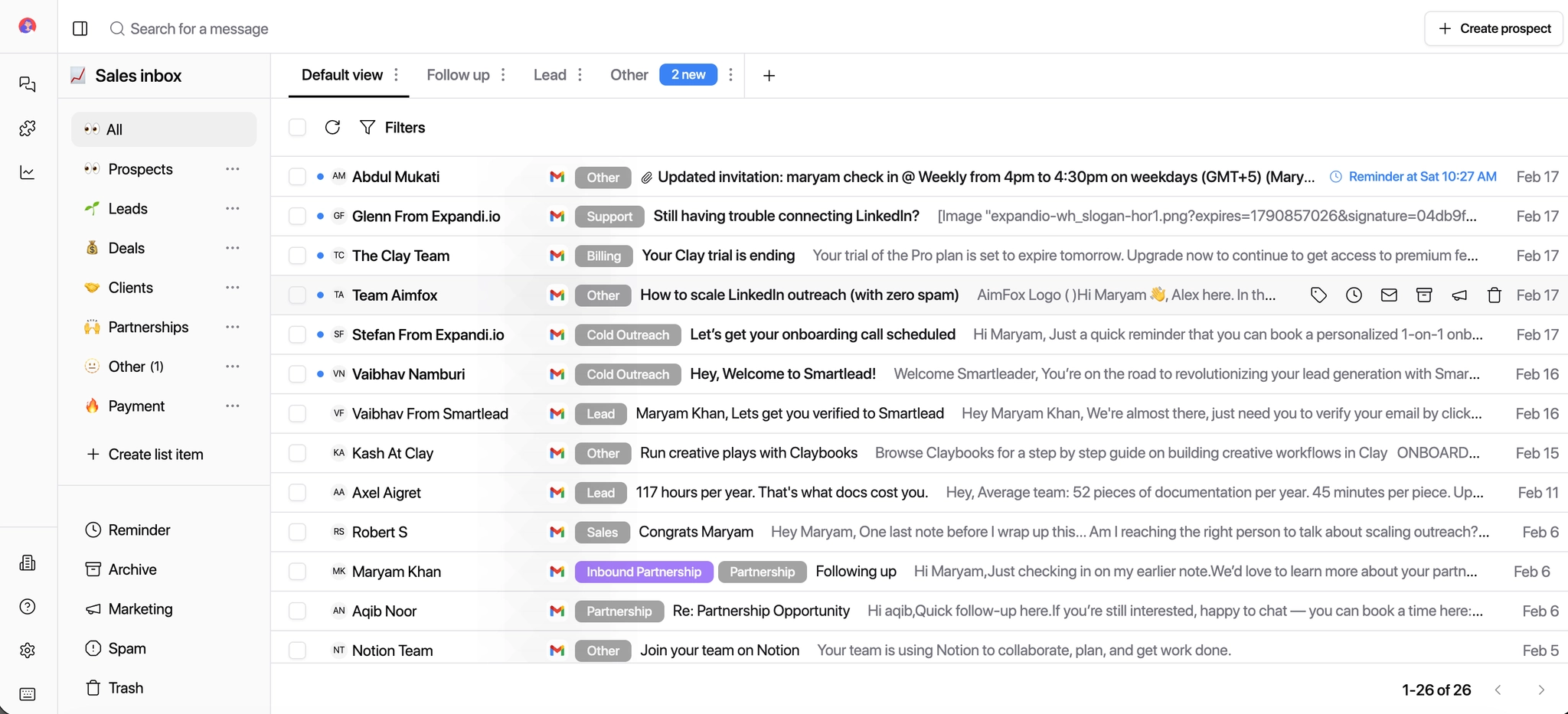
Click Create Prospect.
Enter the First Name, Last Name, and Email.
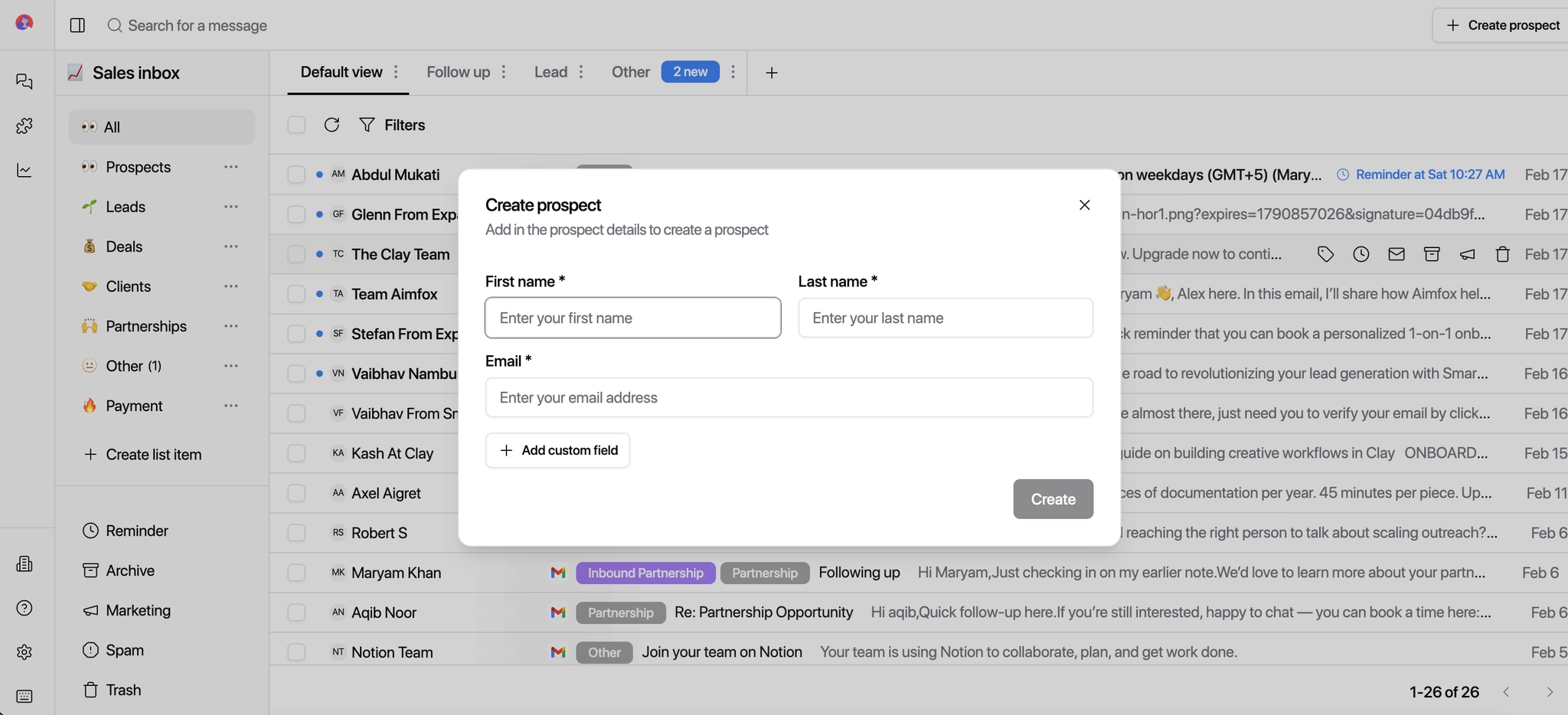
Add Custom Fields if needed — for example, use a Label Name and corresponding content to categorize the prospect or add context.
Viewing Prospect Details in Thread View When you open a conversation in Thread View, a prospect details panel appears alongside it. You can toggle it off at any time for a cleaner view.
Conversation Insight
Extracted directly from the subject and body of the conversation. Helps you quickly understand context without reading the full thread.
Key Prospect Information
Services Mentioned — products or services the prospect is interested in
Primary Intent — the prospect's main goal: buying, exploring, networking, etc.
Custom Information
Manually add extra details like social profiles, company info, or notes to help recall the conversation and add context your team needs.
With Sales Intelligence Integrations (optional):
Tools like Clay, Apollo, and Lemlist can automatically enrich prospect data when connected — adding deeper information without any manual input. See your Integrations settings to connect them.
Why This Matters
Agencies
Quickly understand prospect context to improve outreach quality and campaign targeting across clients.
SDRs and BDRs
Access all key details without switching between tools — faster qualification, faster follow-ups.
Client Teams
All relevant prospect information in one place to support data-driven decisions and informed responses.
Once added, the prospect is tracked inside Master Inbox and their details are accessible directly from any conversation thread.