
Where to find your Workspace ID
Your Workspace ID is a unique identifier used when connecting integrations to Master Inbox. You'll need it when setting up most integration tools.
How to locate your Workspace ID
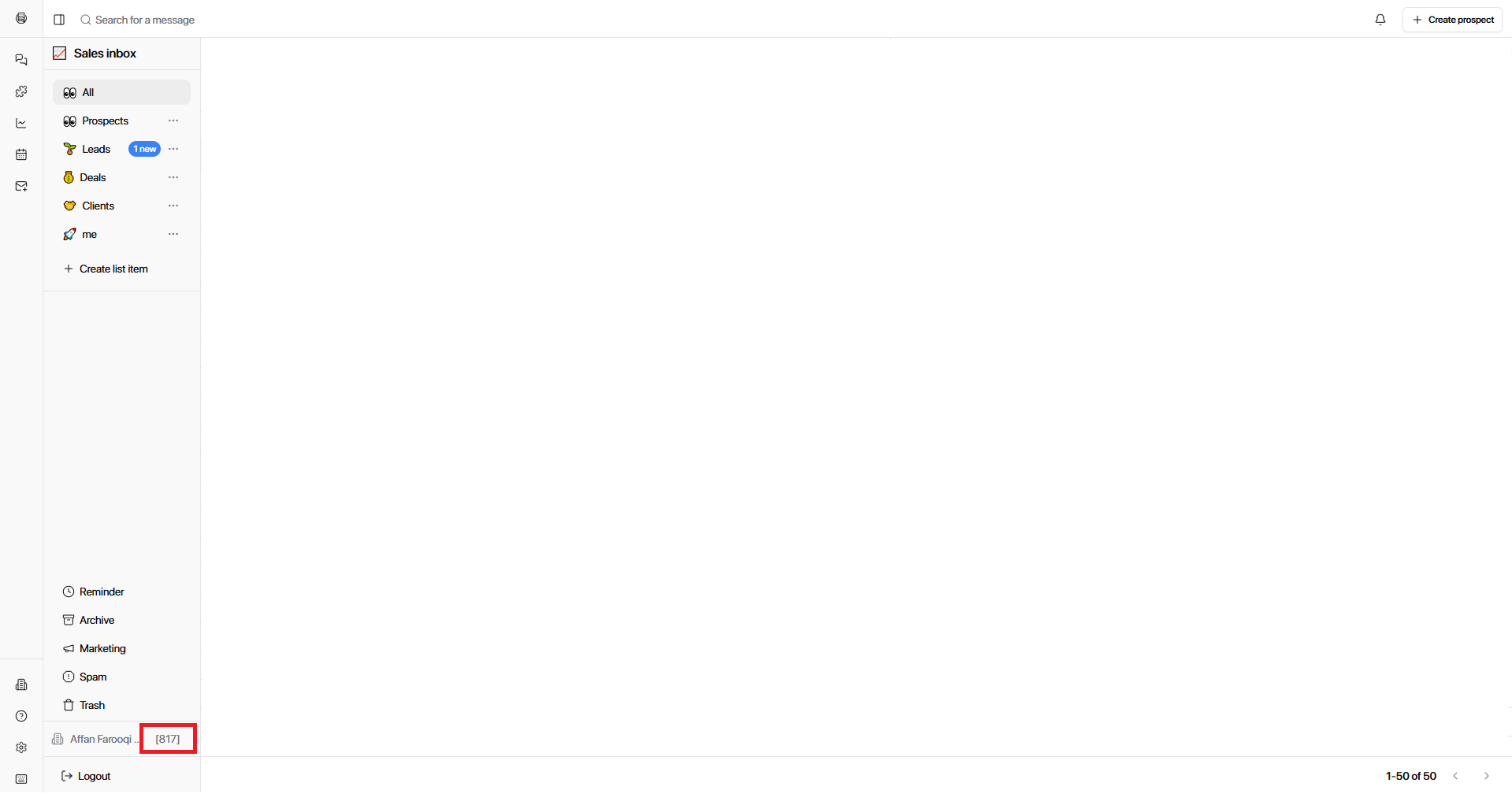
Look at the bottom-left corner of the app.
Find your workspace name next to the Settings icon.
The Workspace ID appears next to the workspace name in the workspace list.
The ID is displayed as a number (e.g., 186) and is visible directly in the UI without navigating to Settings.
When you'll need it
You'll use your Workspace ID when:
Connecting integrations that require account or workspace-level credentials
Setting up webhooks for real-time updates
Configuring API access for custom workflows
For step-by-step setup instructions, see Add an Integration.
Was this helpful?